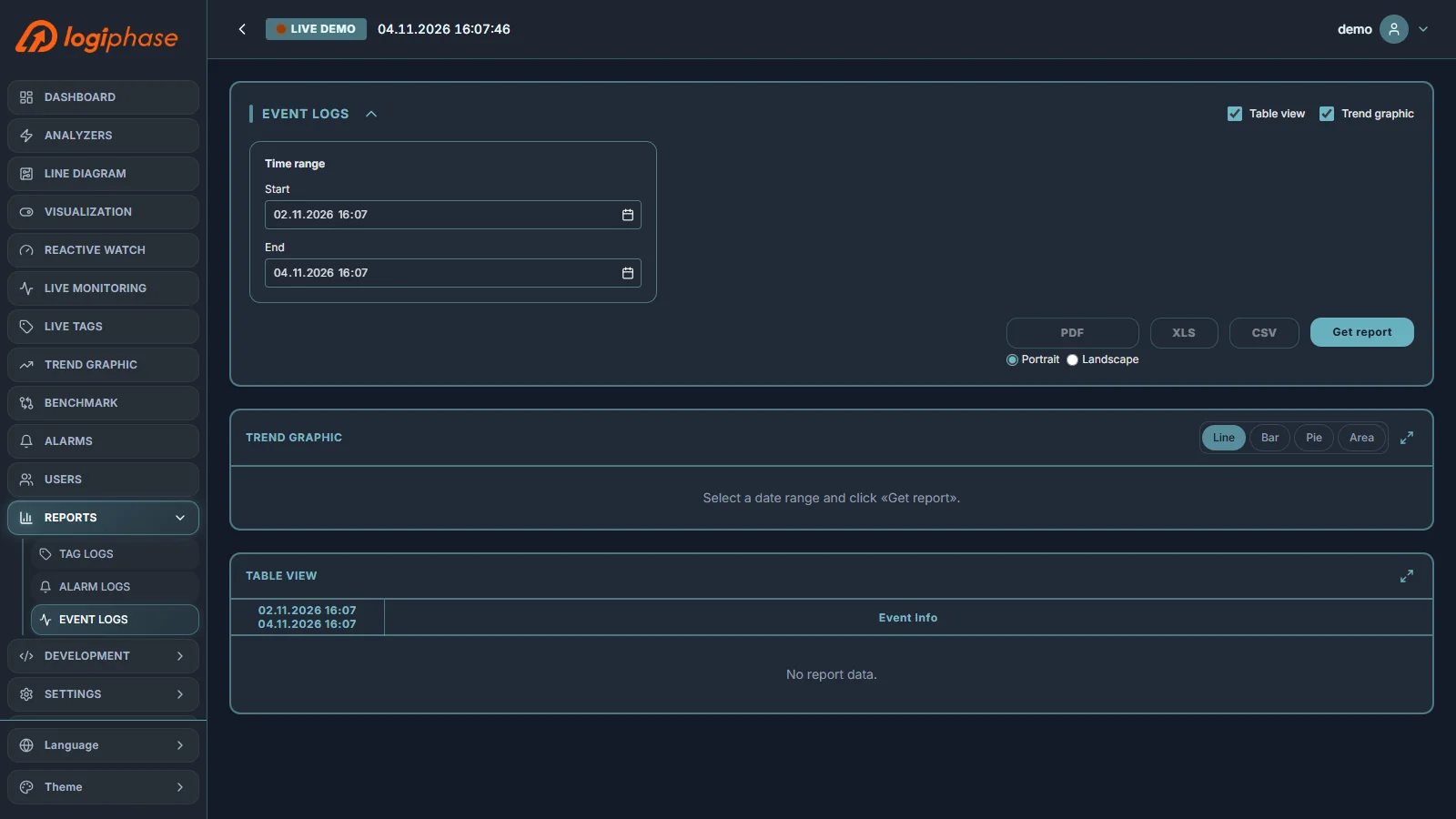


9. REPORTS
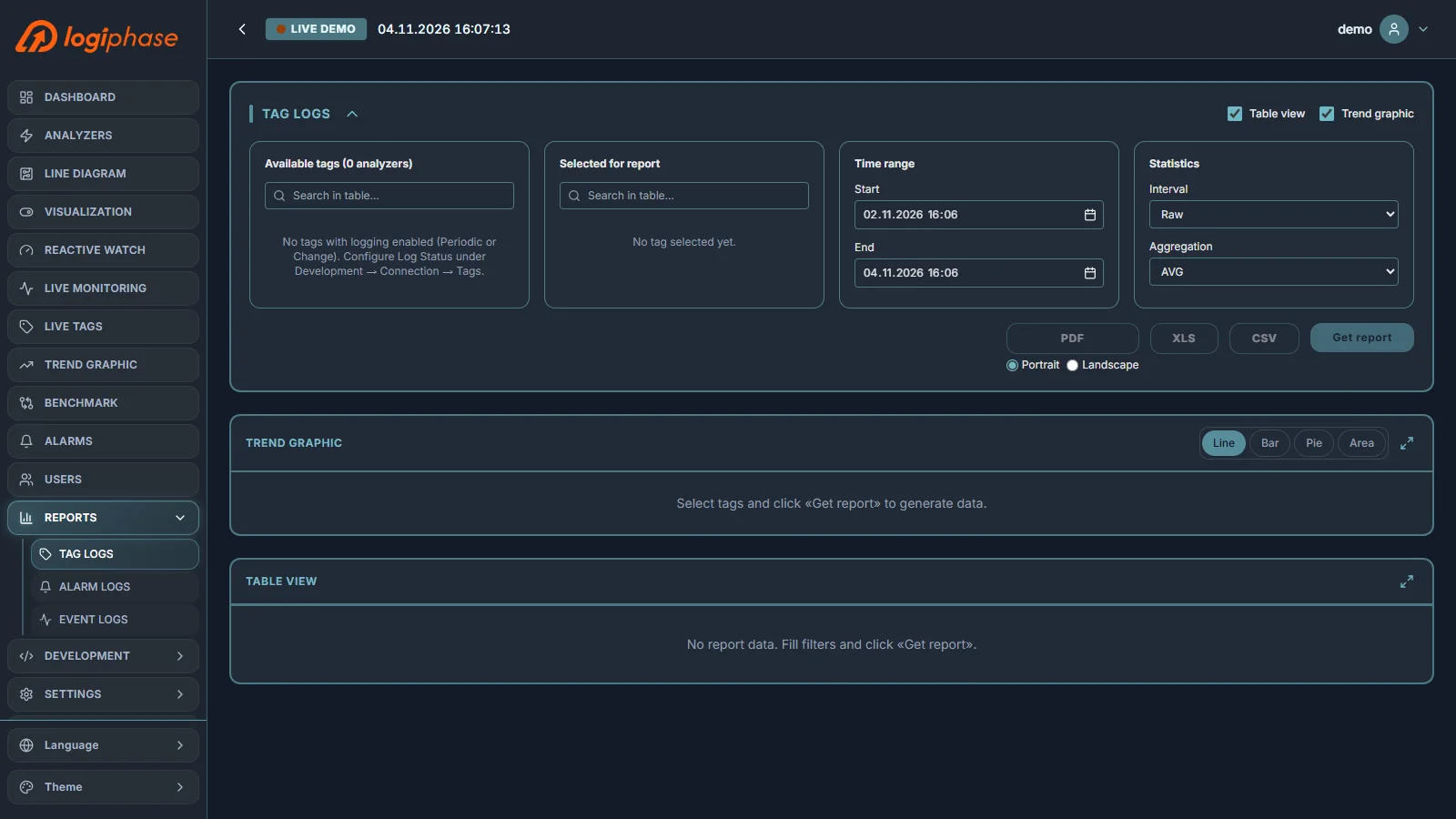
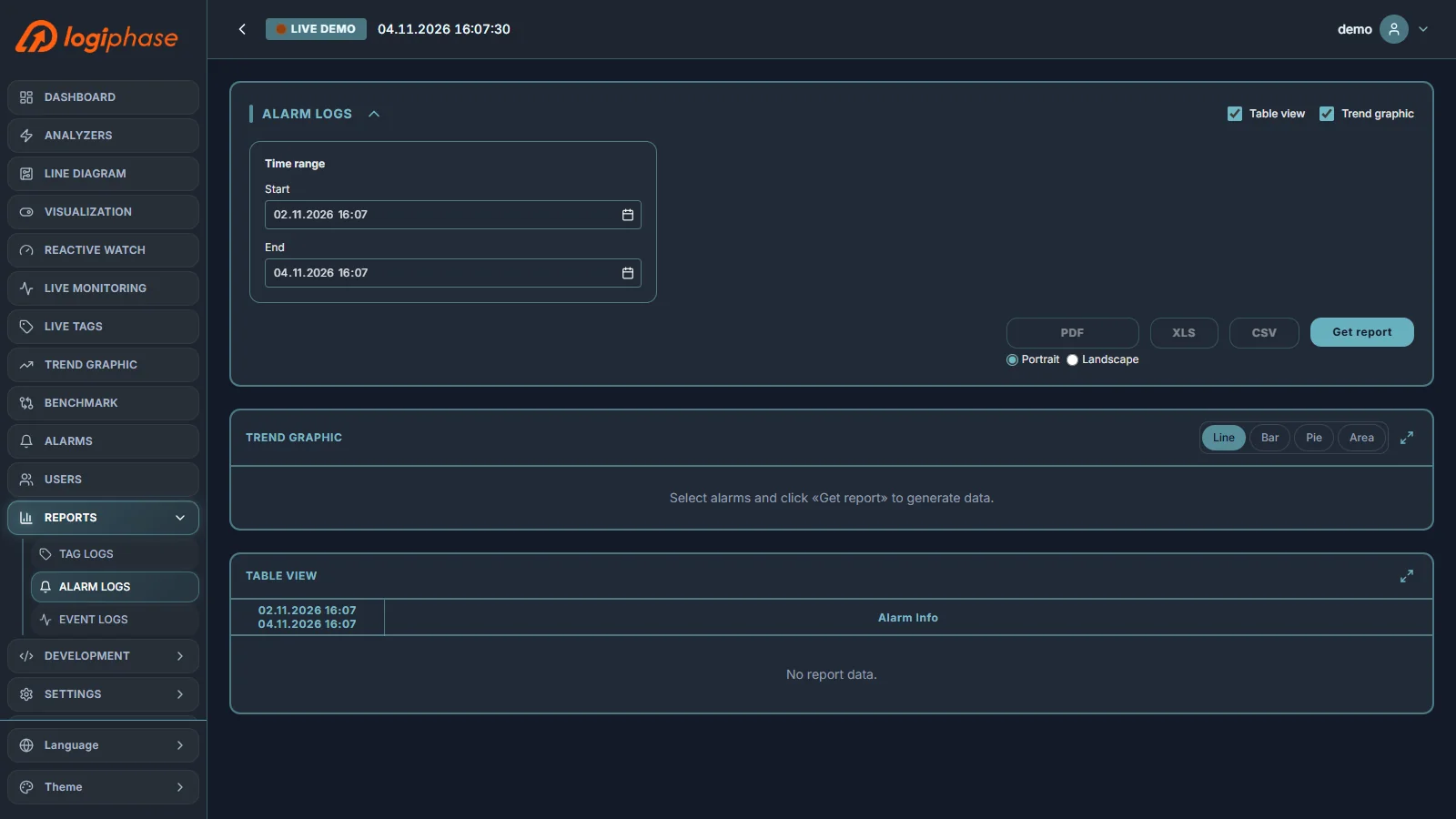
Reports gives the history of the system in three reports: Tag Logs, Alarm Logs and Event Logs. Each report has a time range, a trend graphic (line, bar, pie or area), a table view, and export to PDF (portrait or landscape), XLS and CSV.
9.1 Tag Logs
Tag Logs shows the logged values of the selected tags. Move tags from the available list to the report, set the time range and the statistics (interval and aggregation), then select Get report. Only tags whose logging is enabled (periodic or on change) can be reported; logging is set per tag in Development › Connection.
9.2 Alarm Logs
Alarm Logs lists the alarm occurrences in the selected period, with their values and acknowledgment details.
9.3 Event Logs
Event Logs records who did what and when: sign-in and sign-out, alarm acknowledgments and value writes.