



7. ALARMS
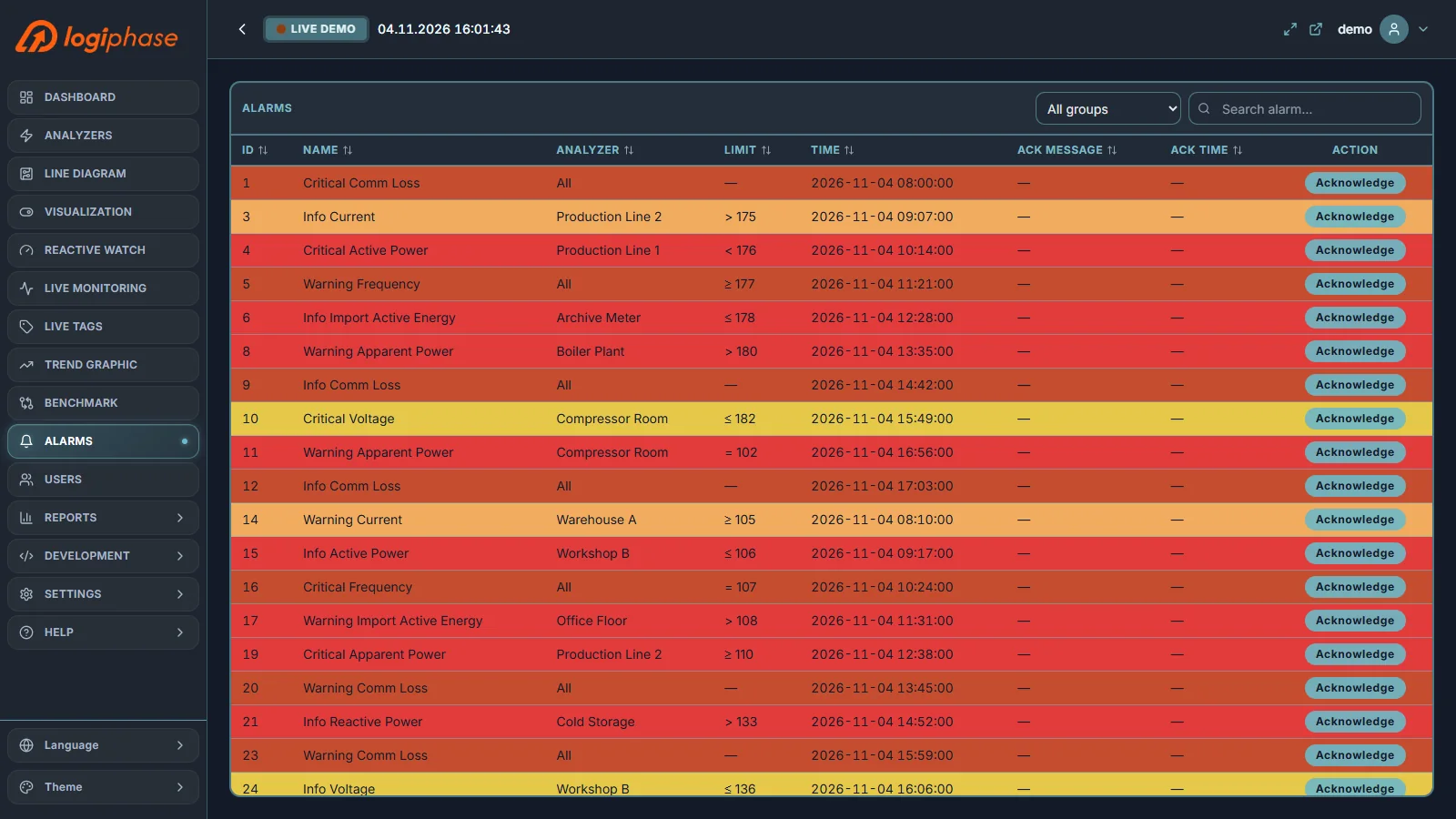
The Alarms page lists the alarms of all analyzers in a sortable table with their ID, name, analyzer, description, time and acknowledgment details. Rows are coloured by severity: critical, warning and info.
7.1 Acknowledging an Alarm
Select Acknowledge on an alarm, enter the acknowledgment message (it is required) and confirm. The message and the acknowledgment time stay with the alarm, and the action is written to the event log.
7.2 Searching and Grouping
Use the search box to filter by name or description, the group selector to show one alarm group, and the column headers to sort.
Alarm conditions are defined in Development › Alarms (see Configuration). Alarms are evaluated by the server, so they are recorded even when no browser is open.